
Extract text from image without retyping
Turn a photo to text in a few clicks. This free online photo to text converter is built for screenshots, phone photos, PDFs, and everyday documents — so you spend less time typing what is already on the page.
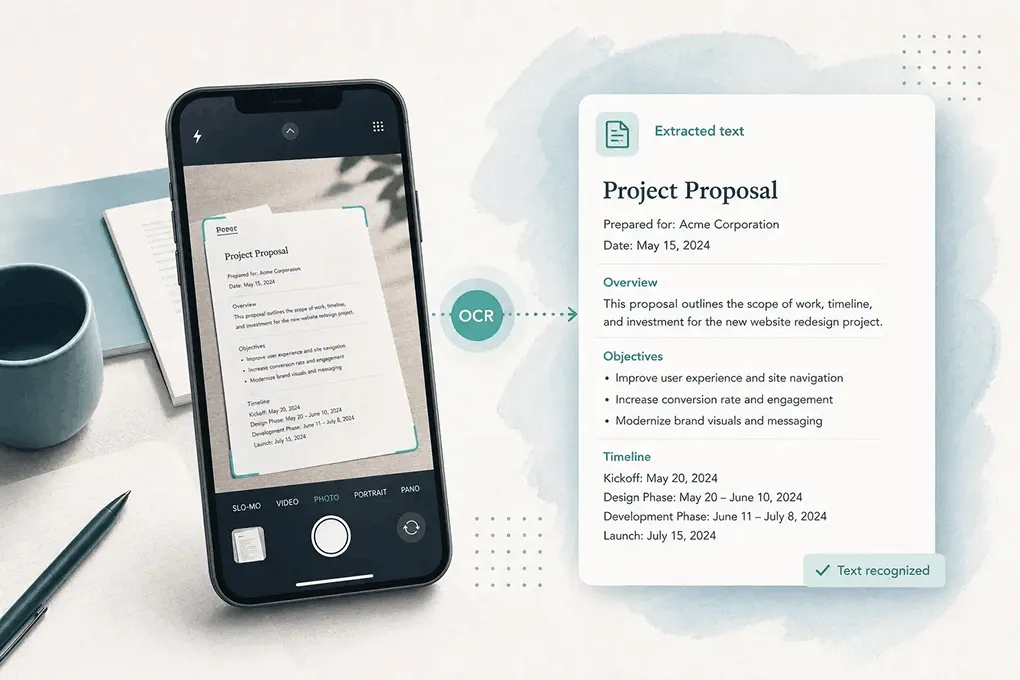
Free online photo to text — drop a photo, screenshot, or PDF below to extract text you can copy into notes, Word, or a spreadsheet in seconds.
Drop images or PDF here
or click to browse, paste from clipboard, or drop · JPG PNG WEBP GIF BMP HEIC TIFF PDF
Fast OCR for real photos — free to start, ready when you need text from image files, Word docs, or spreadsheets.
Turn a photo to text in a few clicks. This free online photo to text converter is built for screenshots, phone photos, PDFs, and everyday documents — so you spend less time typing what is already on the page.
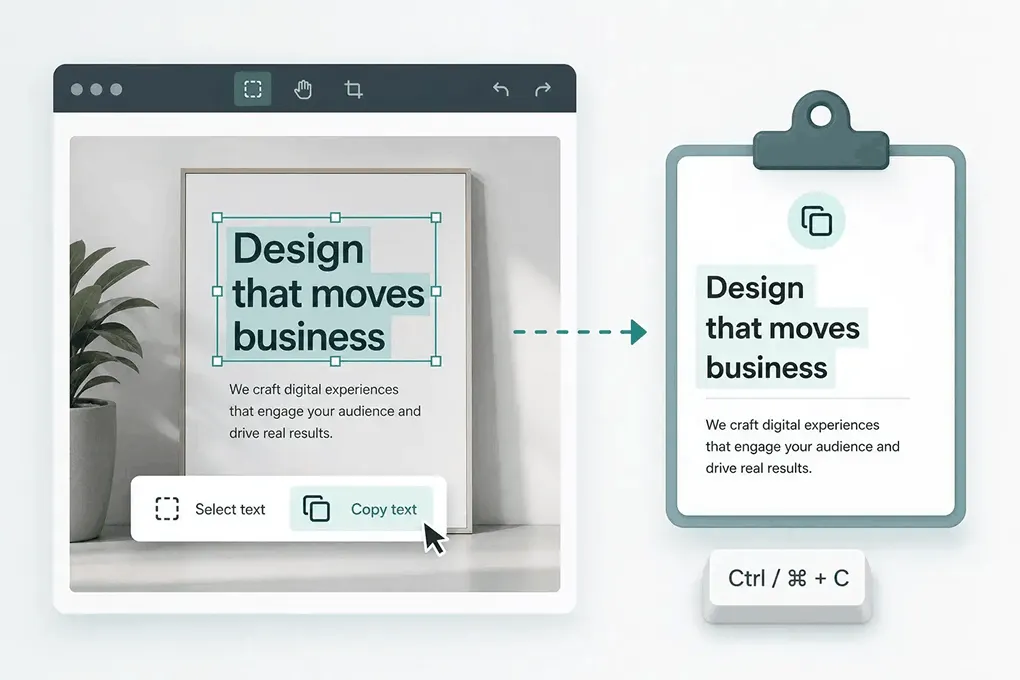
Paste editable text into Word, Docs, or email. When you need a full .docx from photos — insert images, plain text, or keep formatting — use the dedicated converter.
Open JPG to Word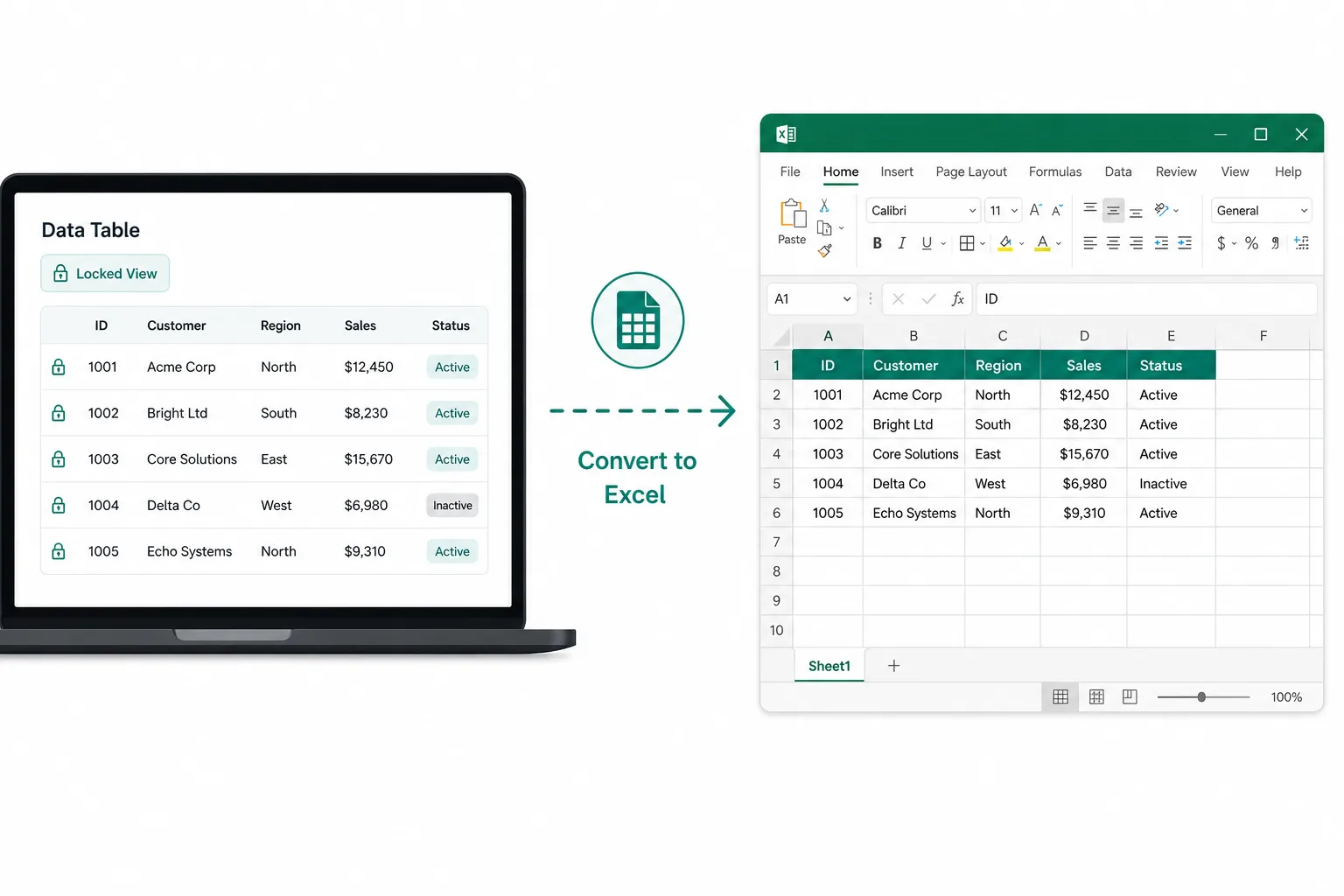
Receipts, screenshot grids, and paper tables are painful to retype. Pull rows and columns into a spreadsheet you can edit and download.
Open JPG to ExcelFrom picture to editable text — no sign-up required to start.
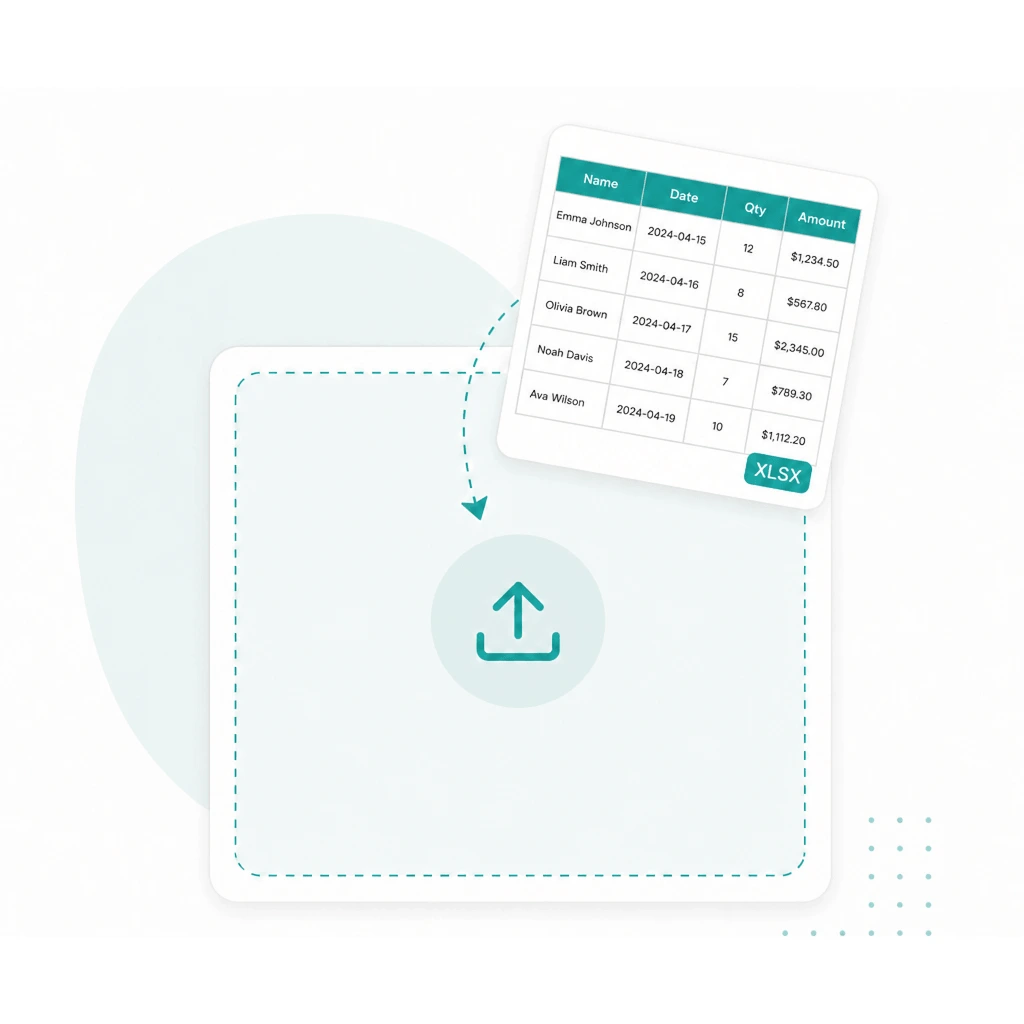
Drop a JPG, PNG, PDF, or other file into the converter above.
Run OCR to pull text from image files — including trickier shots when you pick Advanced.
Copy the result into Word, notes, or email — or open JPG to Word / JPG to Excel when you need a file.
Whether you need picture to text from a phone album, a crisp screenshot, or a PDF scan, this text extractor handles common types so you can convert online without reformatting first — then copy, or continue to Word or Excel when you need a file.
JPG to text
Photos and camera shots
PNG to text
Screenshots and graphics
PDF to text
Scans and document PDFs
Pic / img to text
WEBP, HEIC, TIFF, and more
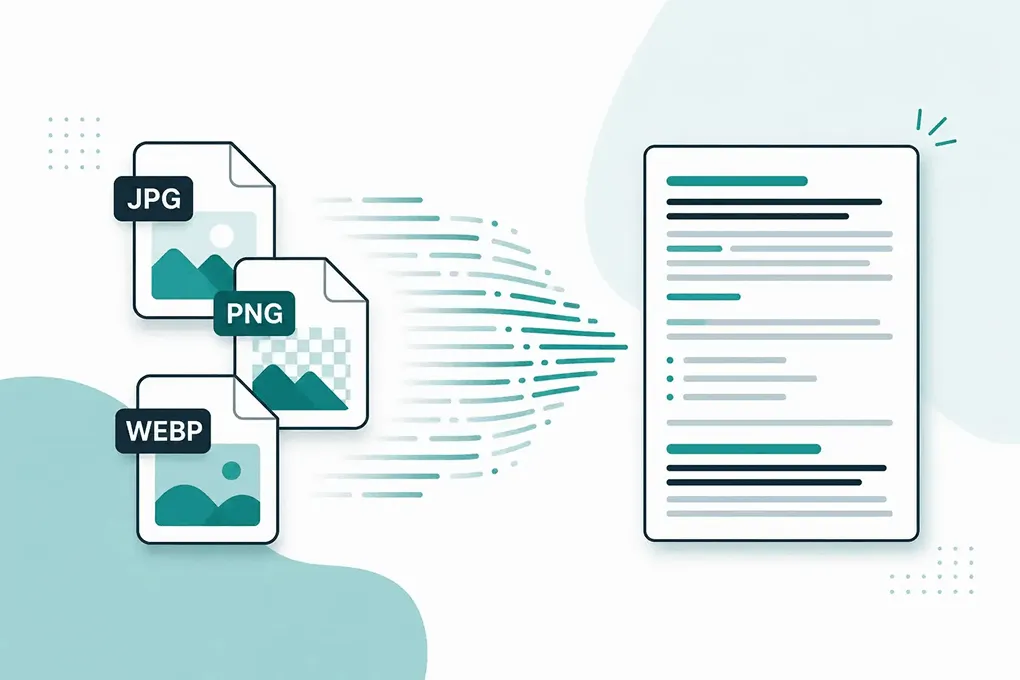
Pick the mode that fits your photo — both powered by OCR. Advanced also helps when tables and crowded layouts need more than a quick copy.
Fast photo to text for clear screenshots and printed pages — when the text is already easy to read.
Built for trickier shots: blurry photos, tilted pages, handwriting, crowded layouts, or table images you may send to Excel — when Simple is not enough.
See pricingStay here to copy text — or jump to a dedicated converter when the next step is a document, a spreadsheet, or a layout-aware tryout.
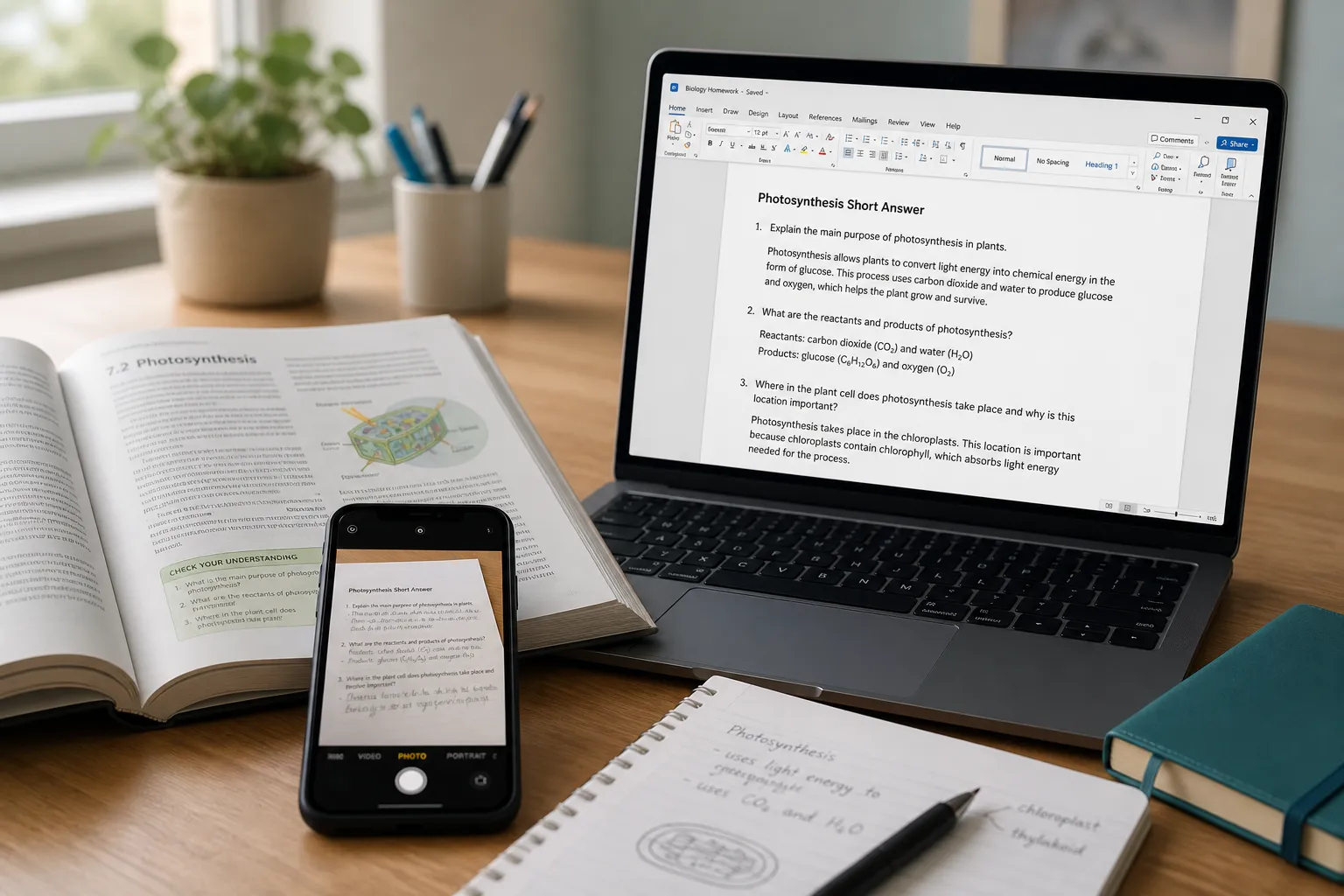
Scans, screenshots, and locked document photos into an editable Word file — insert images, plain text, or keep formatting.
Open JPG to Word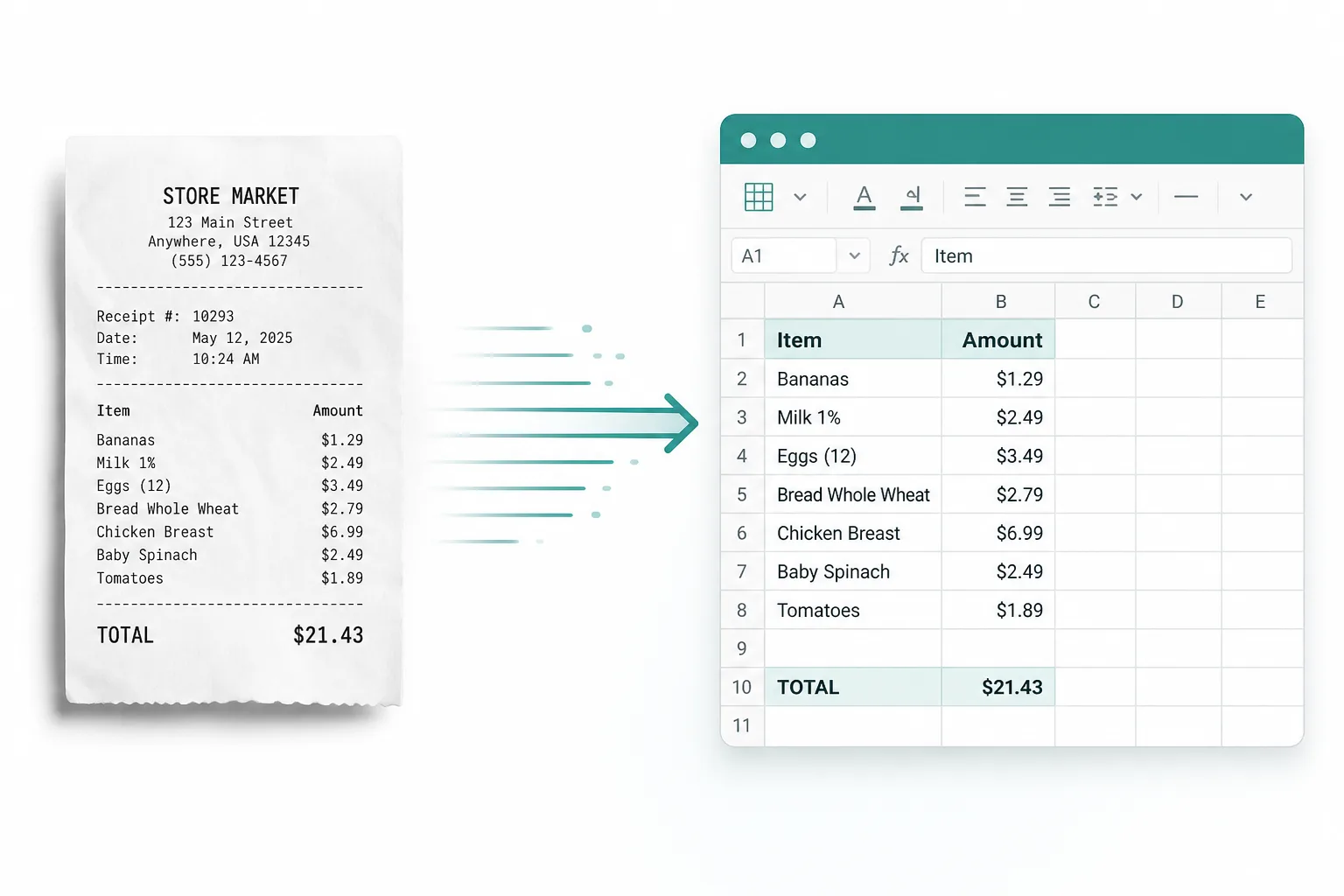
Receipts, screenshot tables, and paper sheets into rows and columns you can edit — then download XLSX, CSV, or TSV.
Open JPG to Excel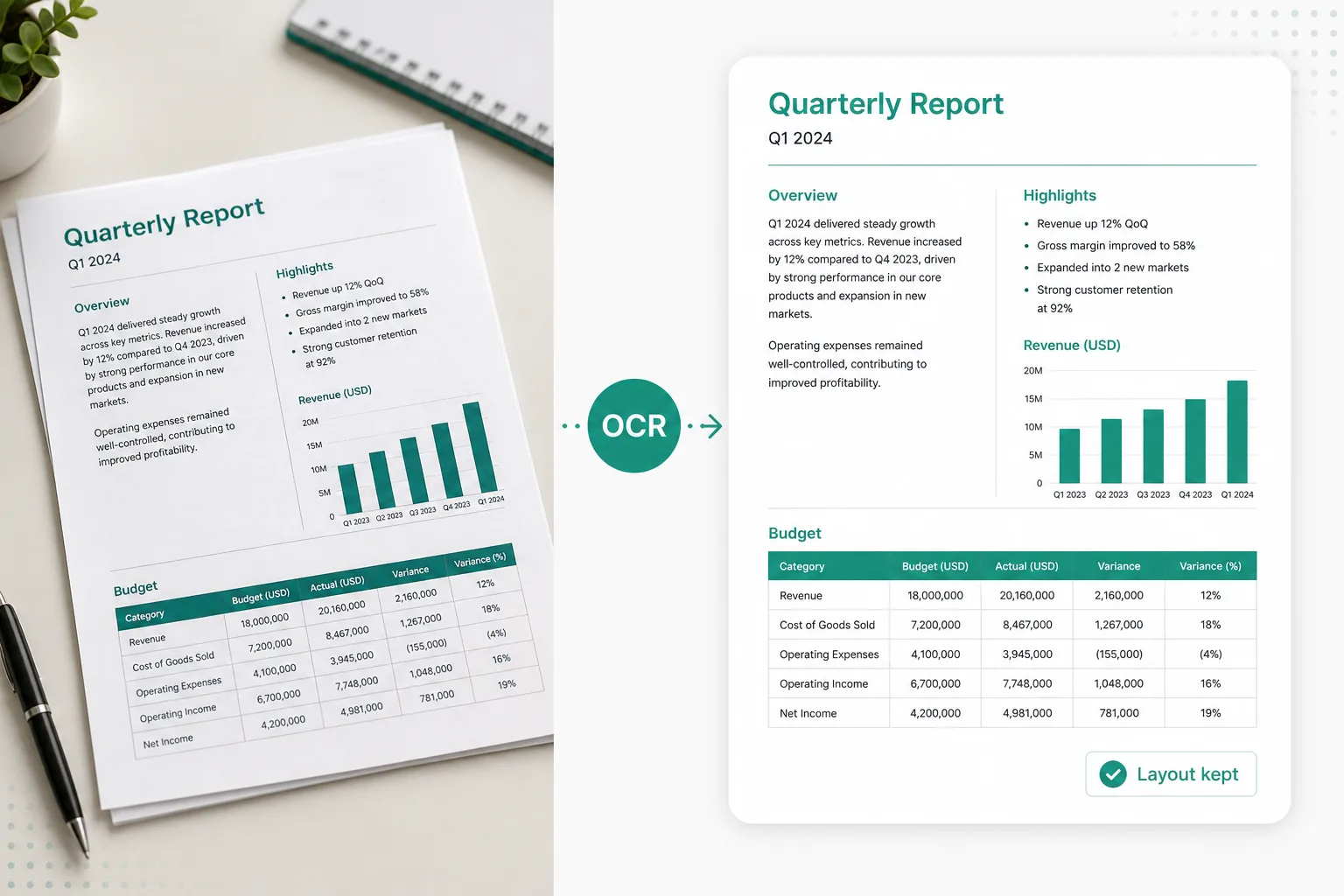
Need layout-aware extraction for hard documents? Try an OCR model converter, then export to Word when the structure matters.
From pic to text on your phone to desktop screenshots — convert when the words live in a picture, then send them to Word or Excel when you need a file.
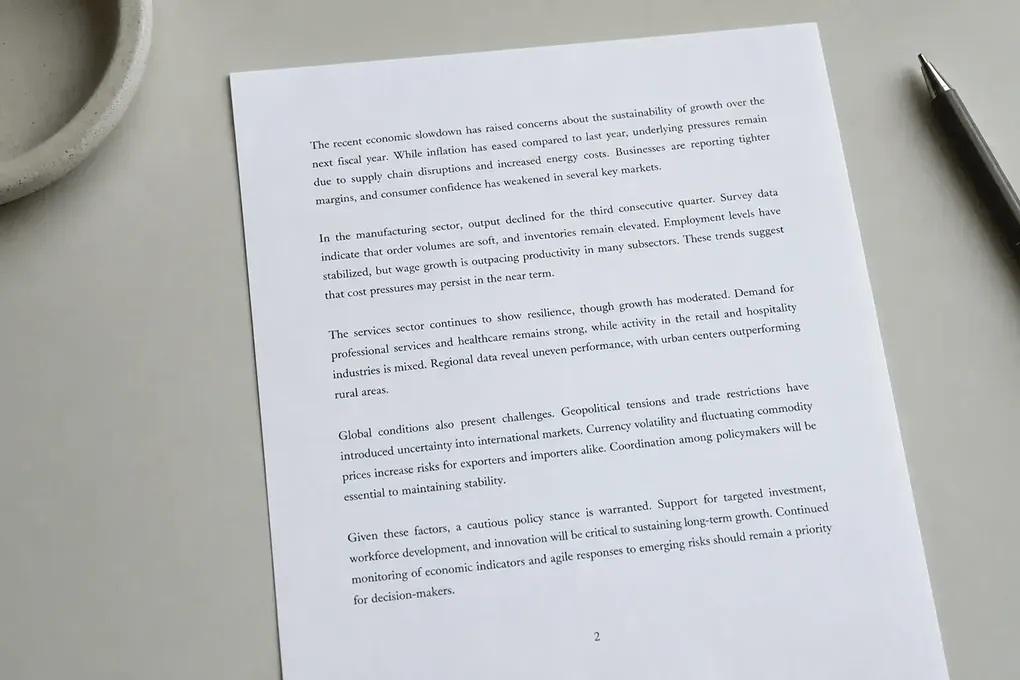
Pull text from a scanned page, locked screenshot, or printed worksheet into an editable Word file — or paste from the converter above when a quick copy is enough.
Try JPG to Word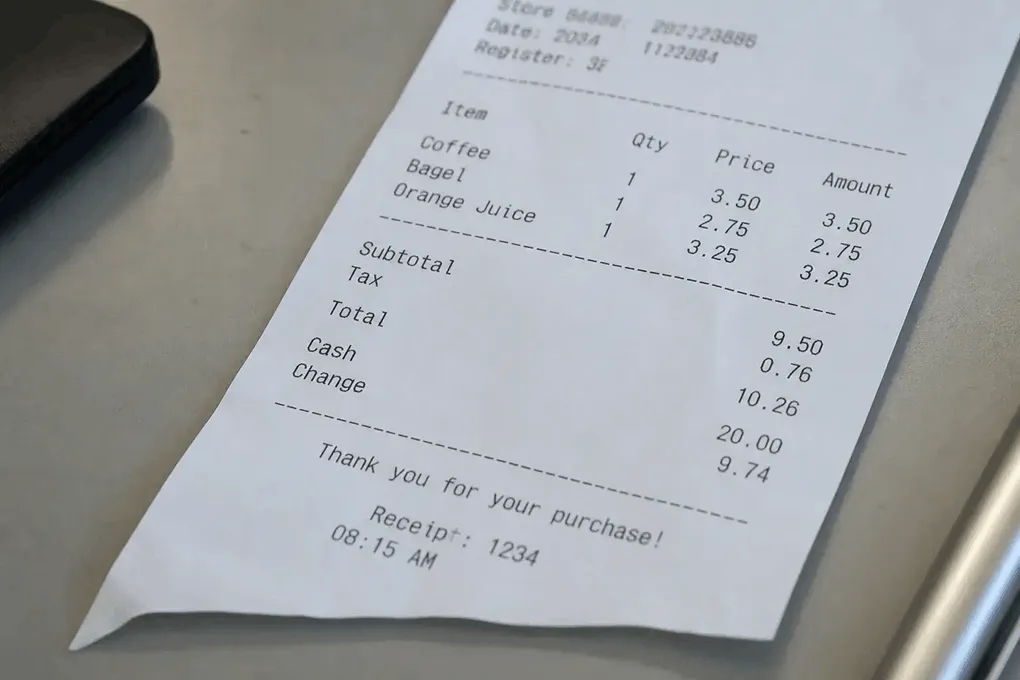
Pull totals and line items from a photo into a spreadsheet instead of typing them by hand.
Receipt to Excel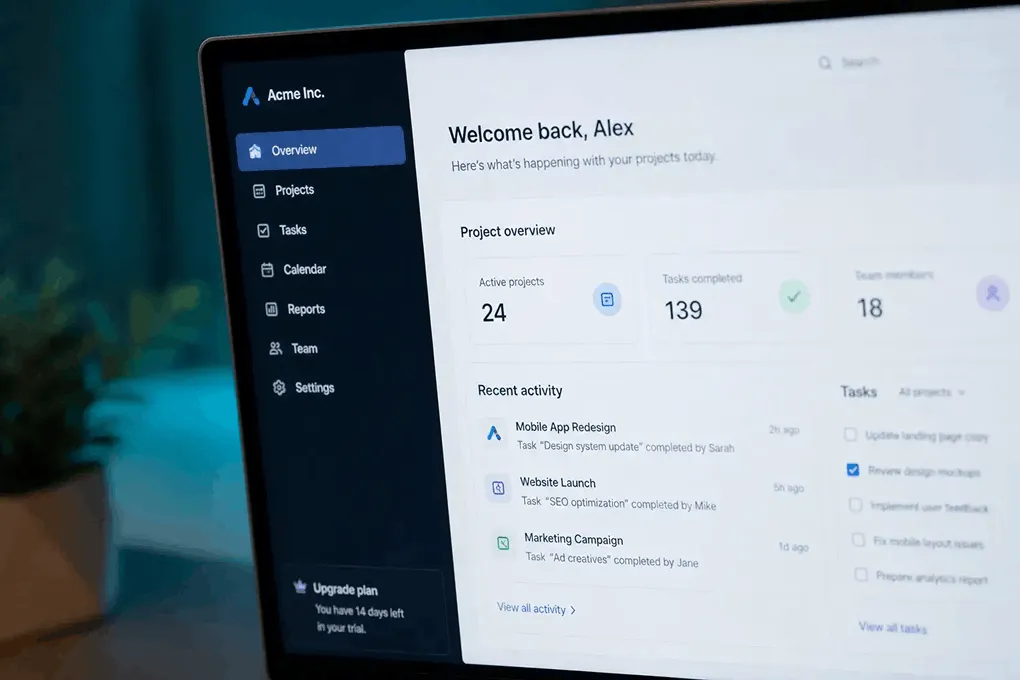
Image to text copy when the app locks selection or the text lives only in a picture.
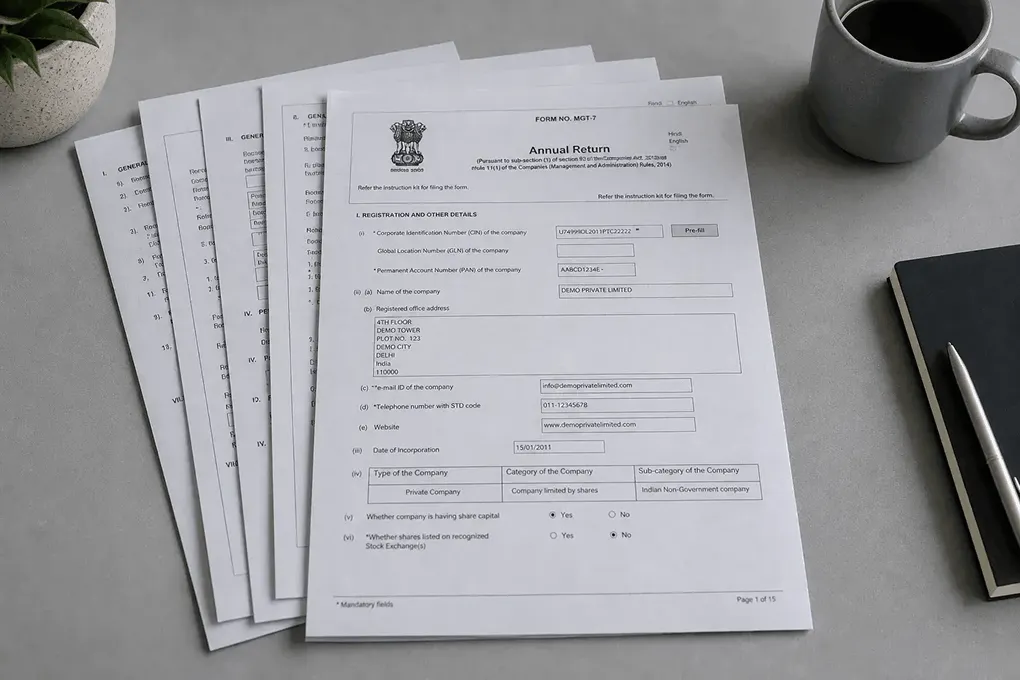
Turn scanned documents and PDF pages into searchable, reusable text.
Jump back to the converter and extract text from image or PDF files in seconds — then copy, or open Word / Excel when you need a download.
Partners









 Launched onTiny Startups







 AgentHunterFeatured AI Agent










































 Business DirectoryDentists MarketingAnimate Photo AIAI Findr Tools DirectoryListed on AIBestTopAiHeronAIMonstrAll in AI ToolsAI Toolz DirAI Tool TrekAiTop10 ToolsGetAITools Tools DirectoryListed on IndieAI DirectoryMossAI ToolsRightAI Tools DirectoryT0 AI Tools DirectoryAI Image DescriberWhat Is Ai ToolsAI Tools DirectoryAiToolGo